2018年3月8日 上午1:18
在v1.0的初级上创建新的分支v2.0:
1 | localhost:mmall czh$ git checkout -b v2.0 origin/v1.0 |
注:
上步报错:# fatal: ‘origin/dev’ is not a commit and a branch connot be created from it
处理方式:重启idea
Git 中 HEAD 是什么东西,为什么会出现在分支里? - SegmentFault 思否
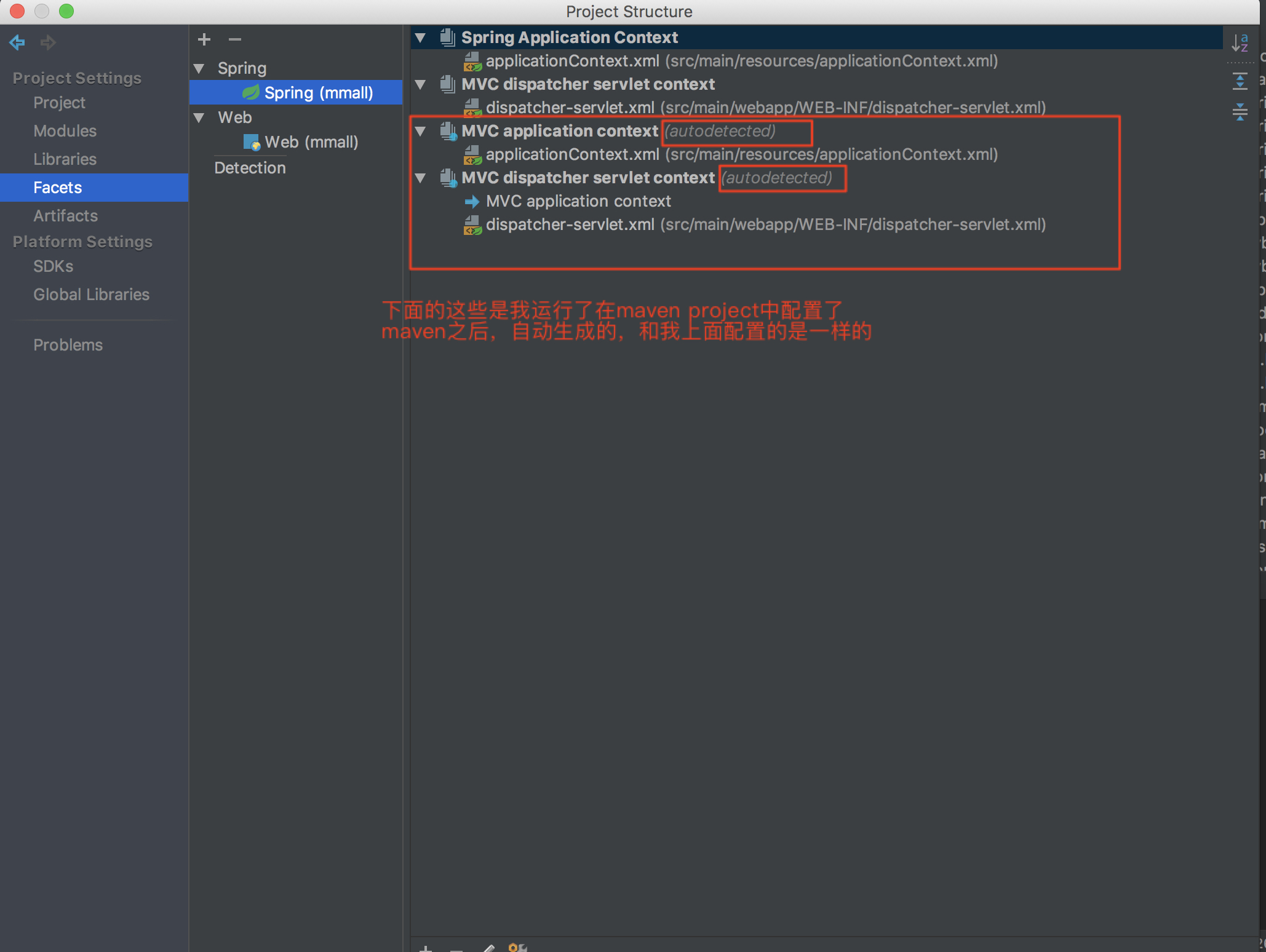
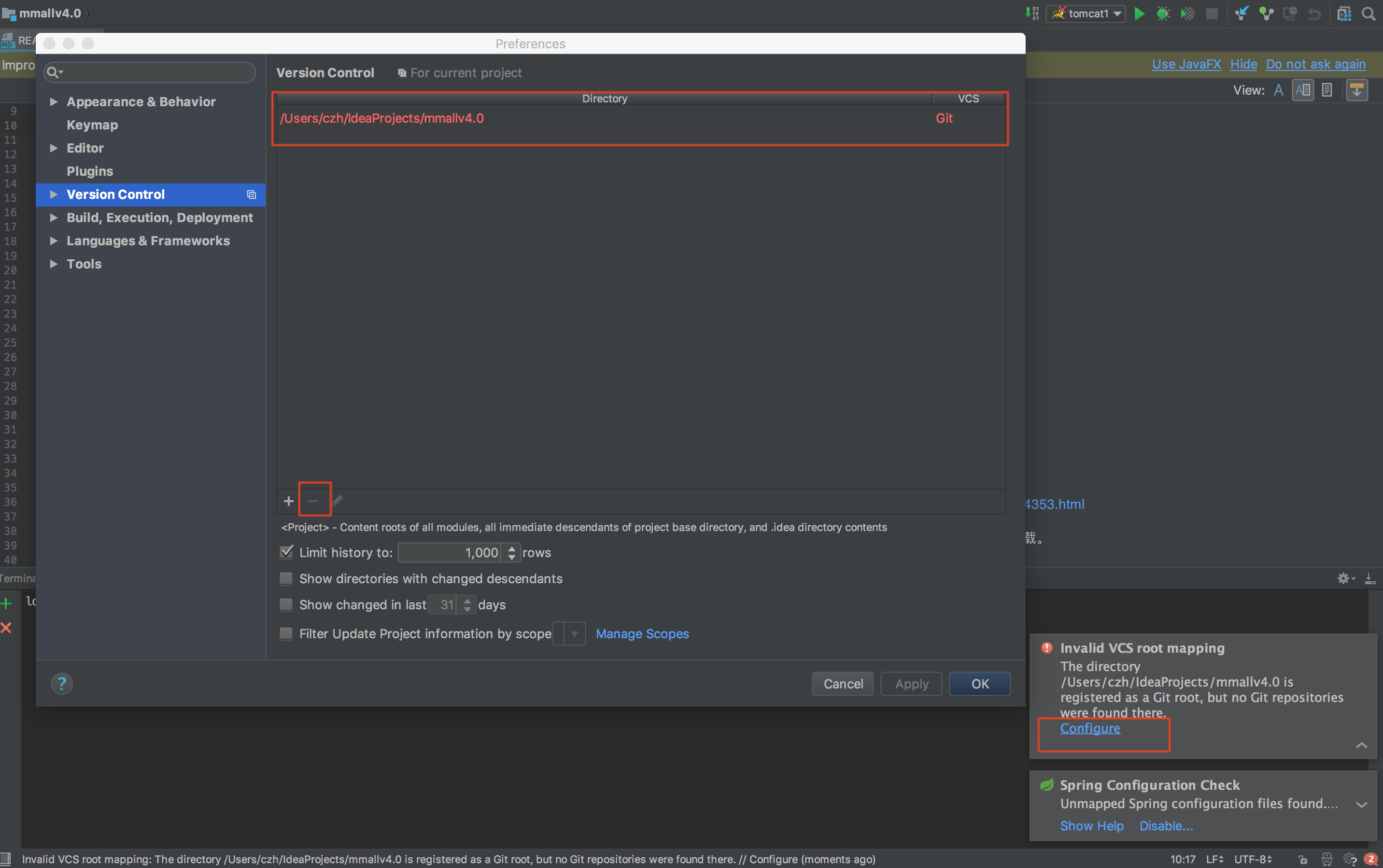
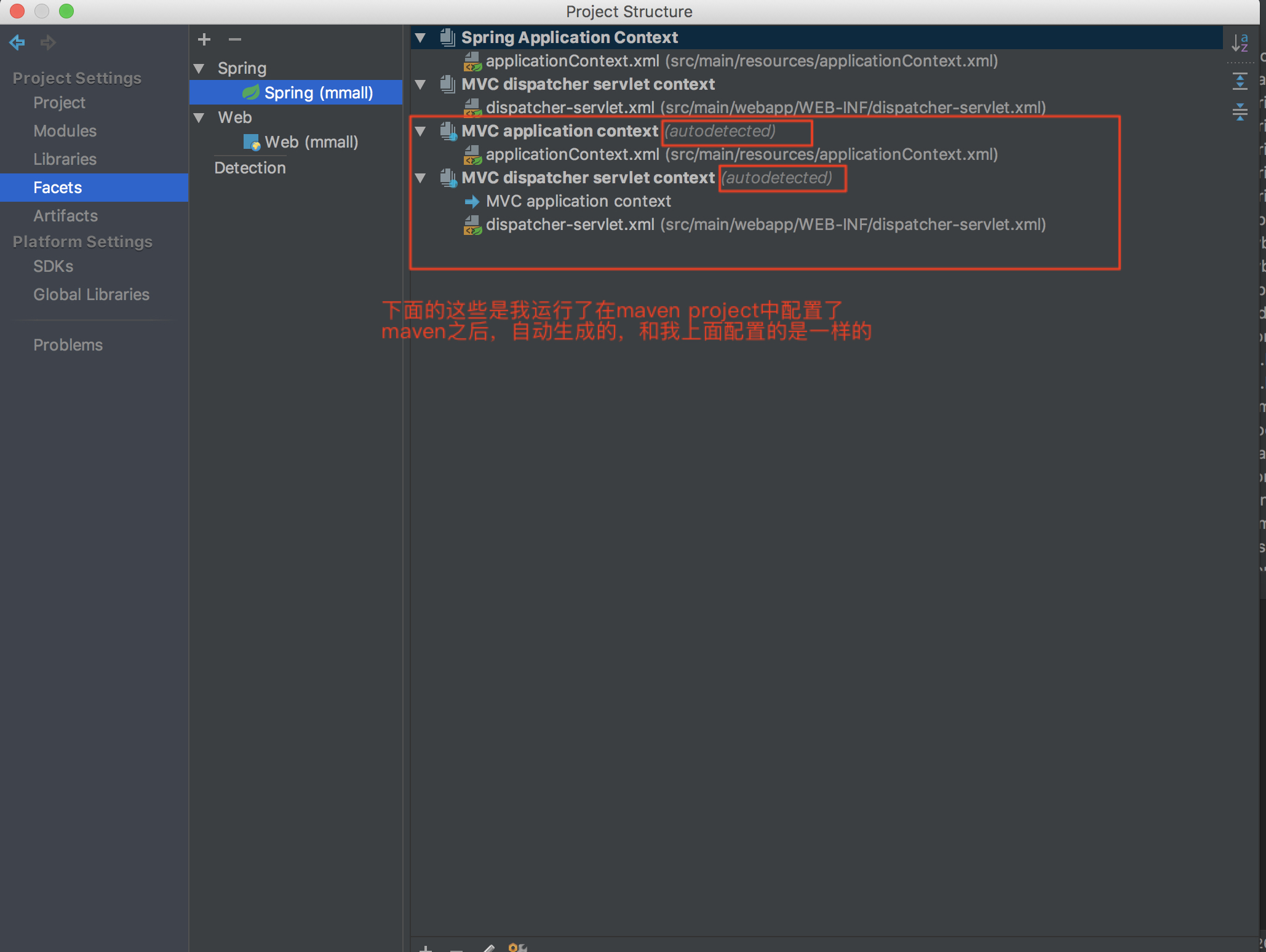
对idea进行配置,让idea读懂我们的项目结构:
识别为maven项目:
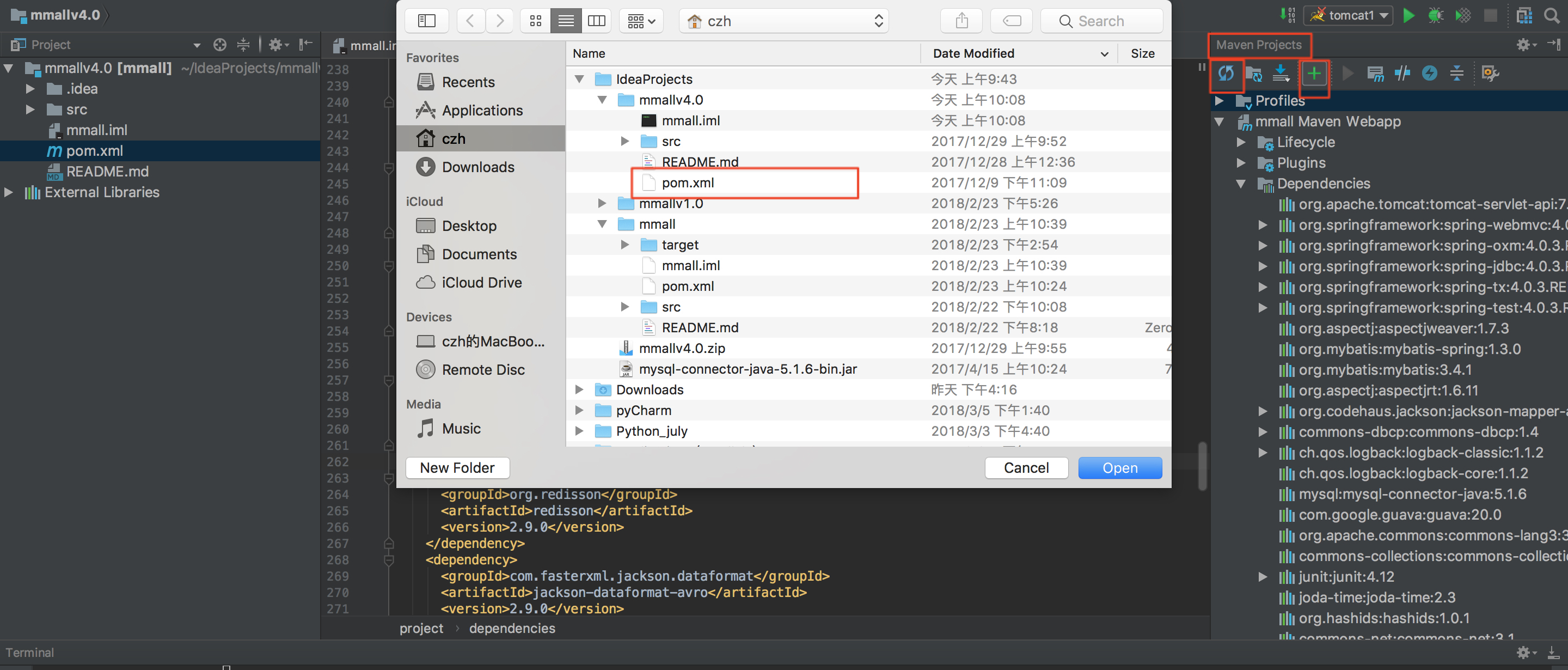
通过maven自动进行idea的配置: